Drop your folders
One folder per team. A file called Team.jpg becomes the team photo.
For volume sports & school photographers
Drop in your team folders. RosterFrame reads the names, places the team photo and builds print-ready composites and memory mates for every team at once.
How it works
Organize the way you already do. RosterFrame does the layout work.
One folder per team. A file called Team.jpg becomes the team photo.
From file names or your roster spreadsheet. Fix anything by hand.
A composite per team and a memory mate per player, sorted into folders.
Composites
Pick a look once and it applies to every team. Layouts adapt to the roster, from a 6-player basketball team to a 30-player football squad.
Memory mates
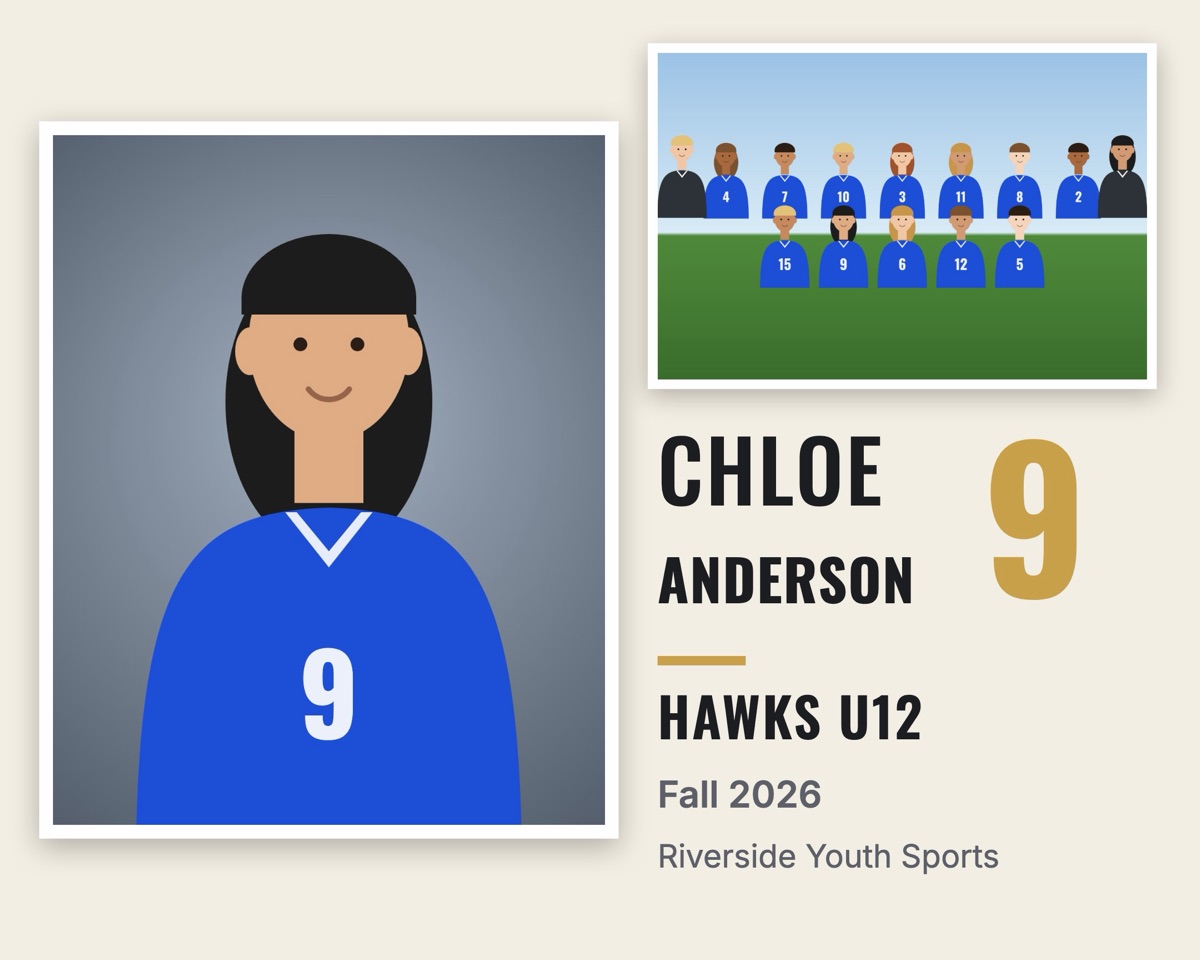
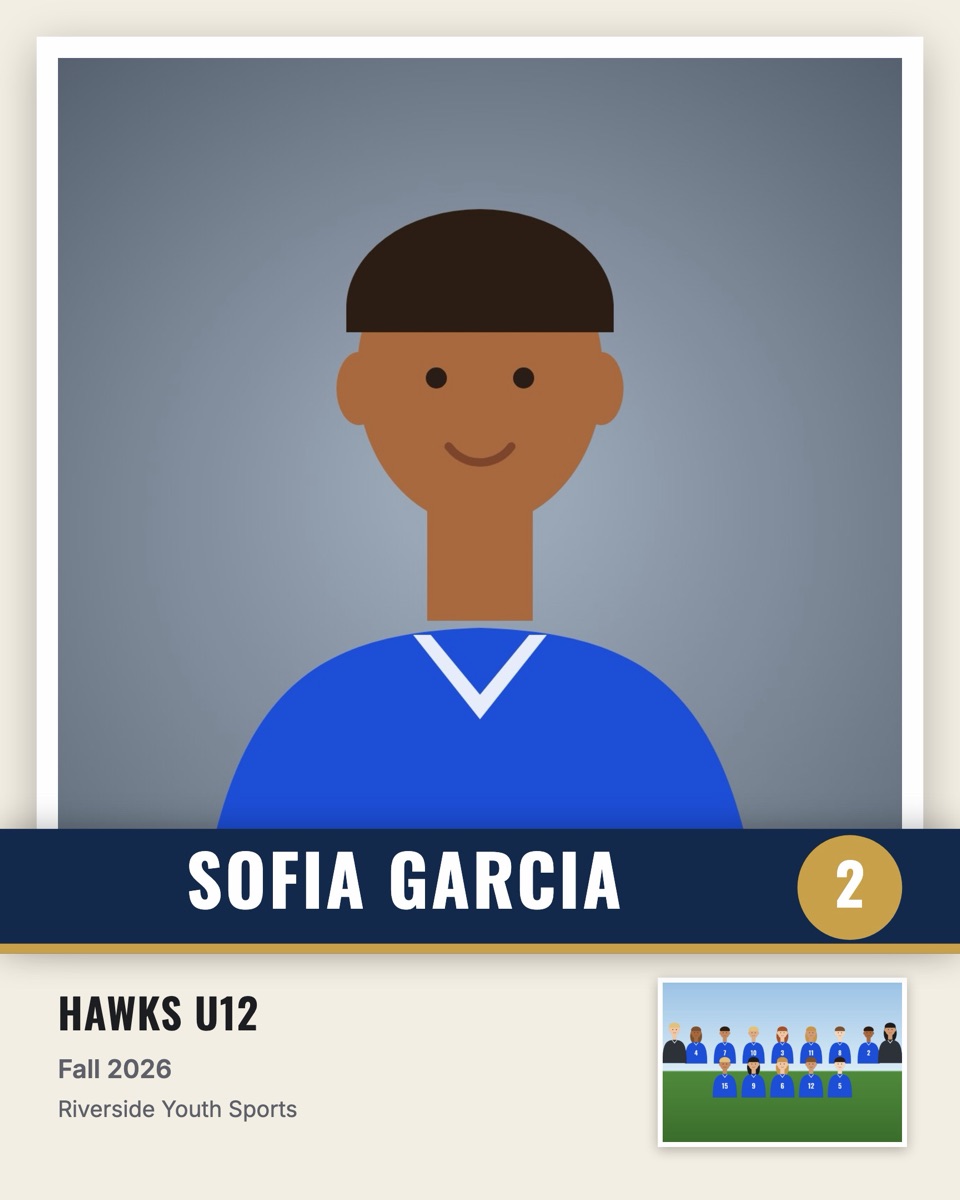
Portrait, team photo, name, number and season are placed automatically for every player. Parents love them, and you don't touch a single file.


RosterFrame runs entirely in your browser. Your photos, rosters and names are processed and stored on your own computer. There is no upload, no cloud copy and no account to hack.
Why switch
| Typical composite software | RosterFrame | |
|---|---|---|
| Price | $89 to $299 every year | Free during beta |
| Works on | Often Windows only | Any browser, Mac and Windows |
| Teams | One team at a time | The whole league in one export |
| Names | Typed or mapped by hand | Read from file names or a roster CSV |
| Your photos | Installed software or uploads | Stay on your computer |
FAQ
No. RosterFrame runs entirely in your browser. Photos are stored on your own computer and never sent anywhere.
Either from file names (Ava_Martinez_4.jpg, Martinez, Ava.jpg and 4 - Ava Martinez.jpg all work) or from a roster spreadsheet saved as CSV with a "File" column. You can also type or fix any name by hand.
Composites in 10×8, 8×10, 14×11, 11×14, 7×5 and 5×7. Memory mates in 10×8 and 7×5 side-by-side, or 8×10 and 5×7 as a player card. All files are 300 dpi sRGB JPEGs.
A full league works fine. A 200-player league with 15 teams exports in a few minutes on a normal laptop. Chrome and Edge can save straight into a folder; Safari downloads a ZIP.
Yes. It runs in Chrome, Edge or Safari on any Mac or Windows computer. Your jobs are saved in the browser on each computer you use.
Yes. While RosterFrame is in beta, every feature is free and exports have no watermark. A paid plan will come later, and you'll always be able to keep the files you made.
Free during beta · No signup · Works in your browser